
How can we help?
Guides, how-tos, and answers to get the most out of PYNGYN.
Most popular
New to PYNGYN? Start with our most-viewed guides.

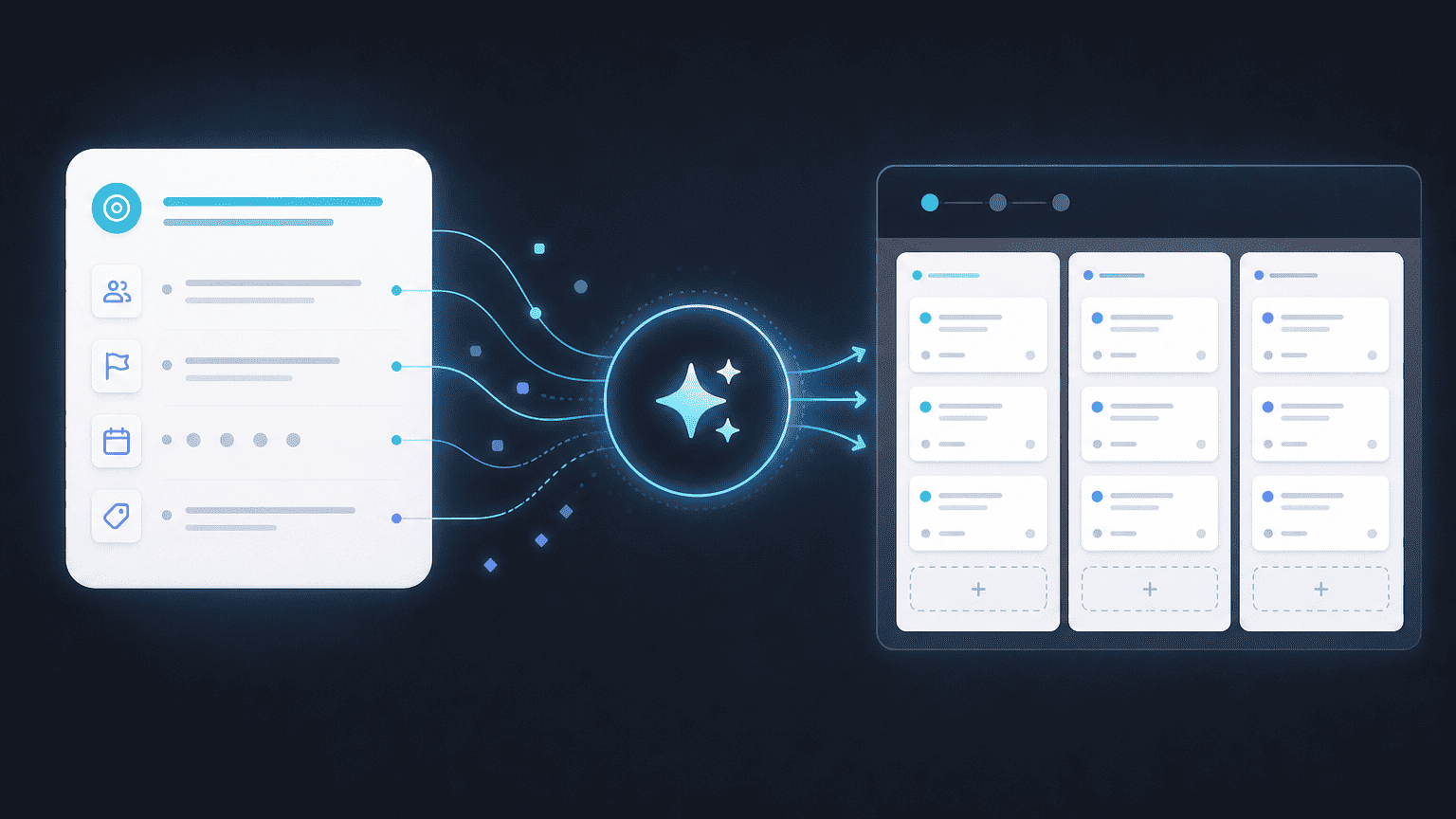
Create your first project in PYNGYN
Go from a one-line goal to a full plan with tasks, owners, and a timeline in minutes.
4 min read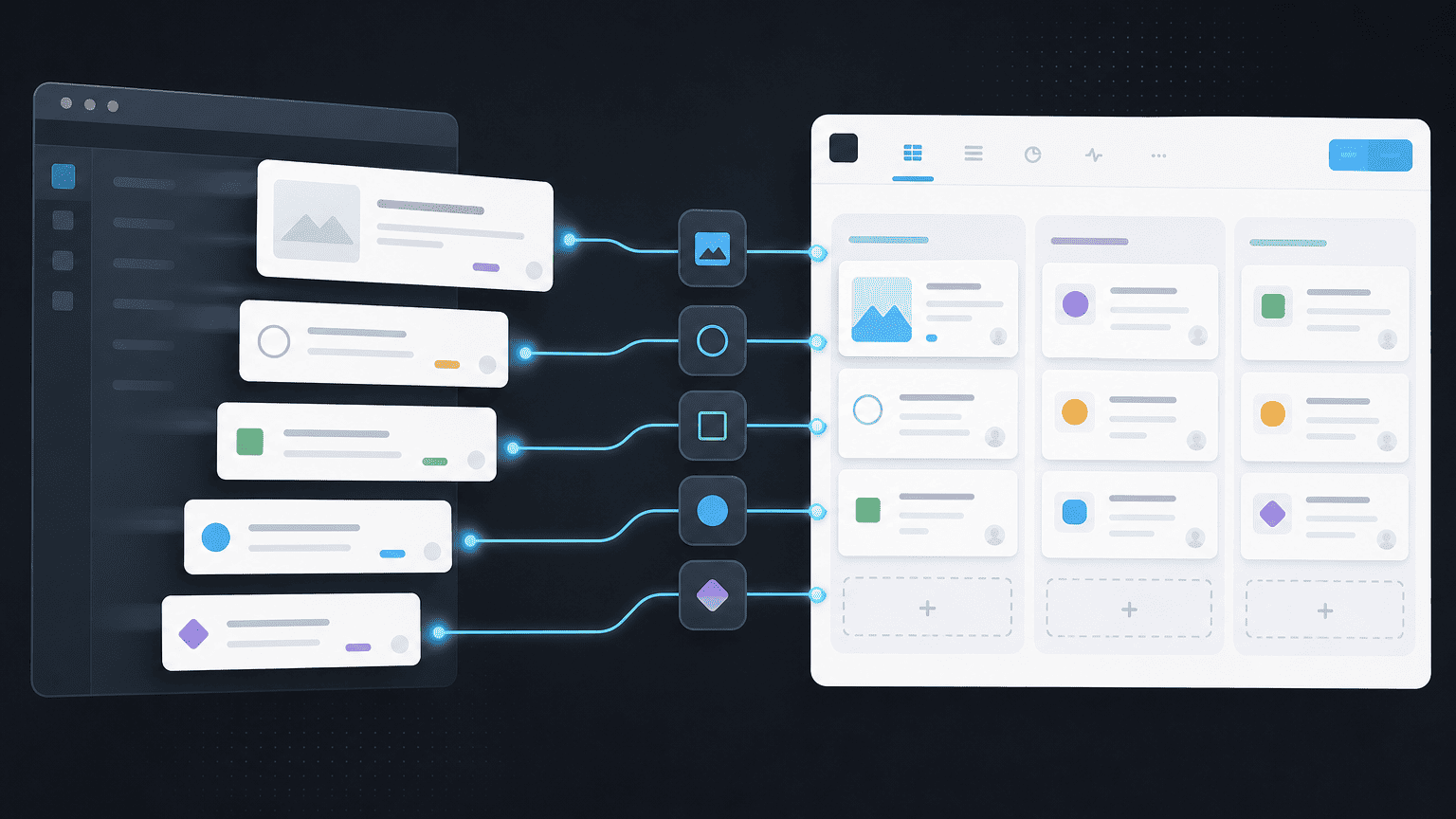
Import projects from another tool
One-click import from common trackers, with field mapping handled for you.
5 min read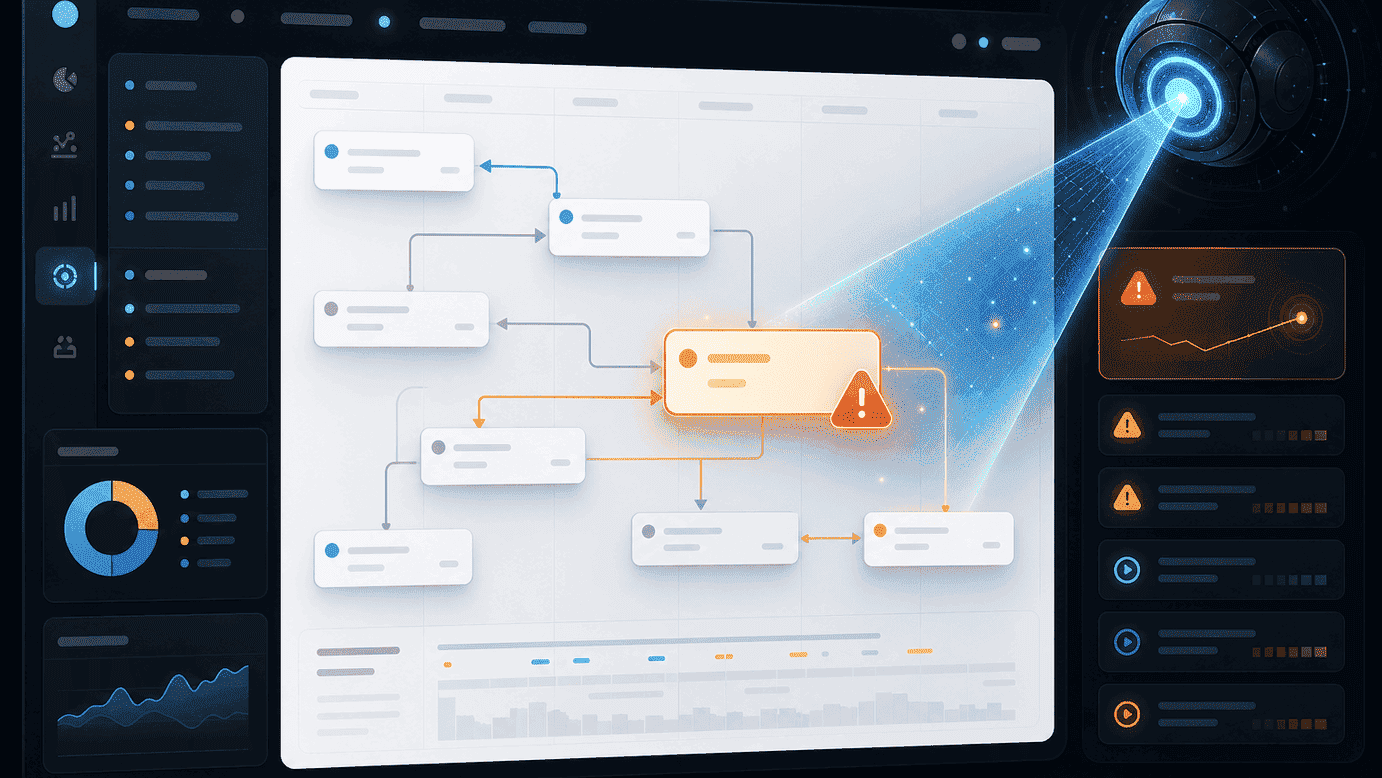
How AI risk detection works
PYNGYN reads velocity and dependencies to flag what threatens your date, early.
6 min readEditor's picks
Hand-picked guides every team should read.
All articles
Browse everything, or filter by category above.
Create your first project in PYNGYN
Go from a one-line goal to a full plan with tasks, owners, and a timeline in minutes.
4 min read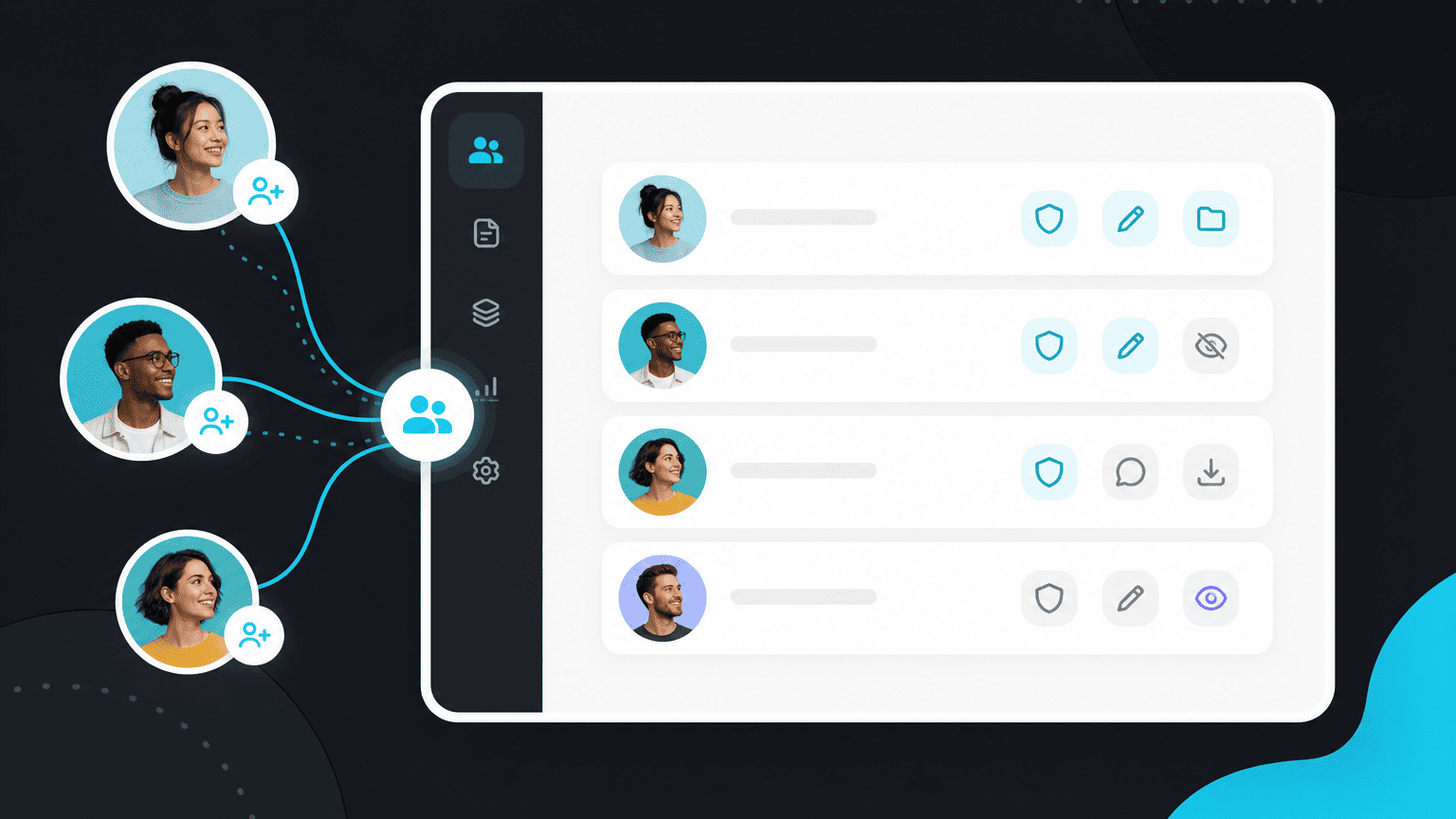
Invite your team and set roles
Add teammates, assign roles, and get everyone working in the same workspace.
3 min readImport projects from another tool
One-click import from common trackers, with field mapping handled for you.
5 min read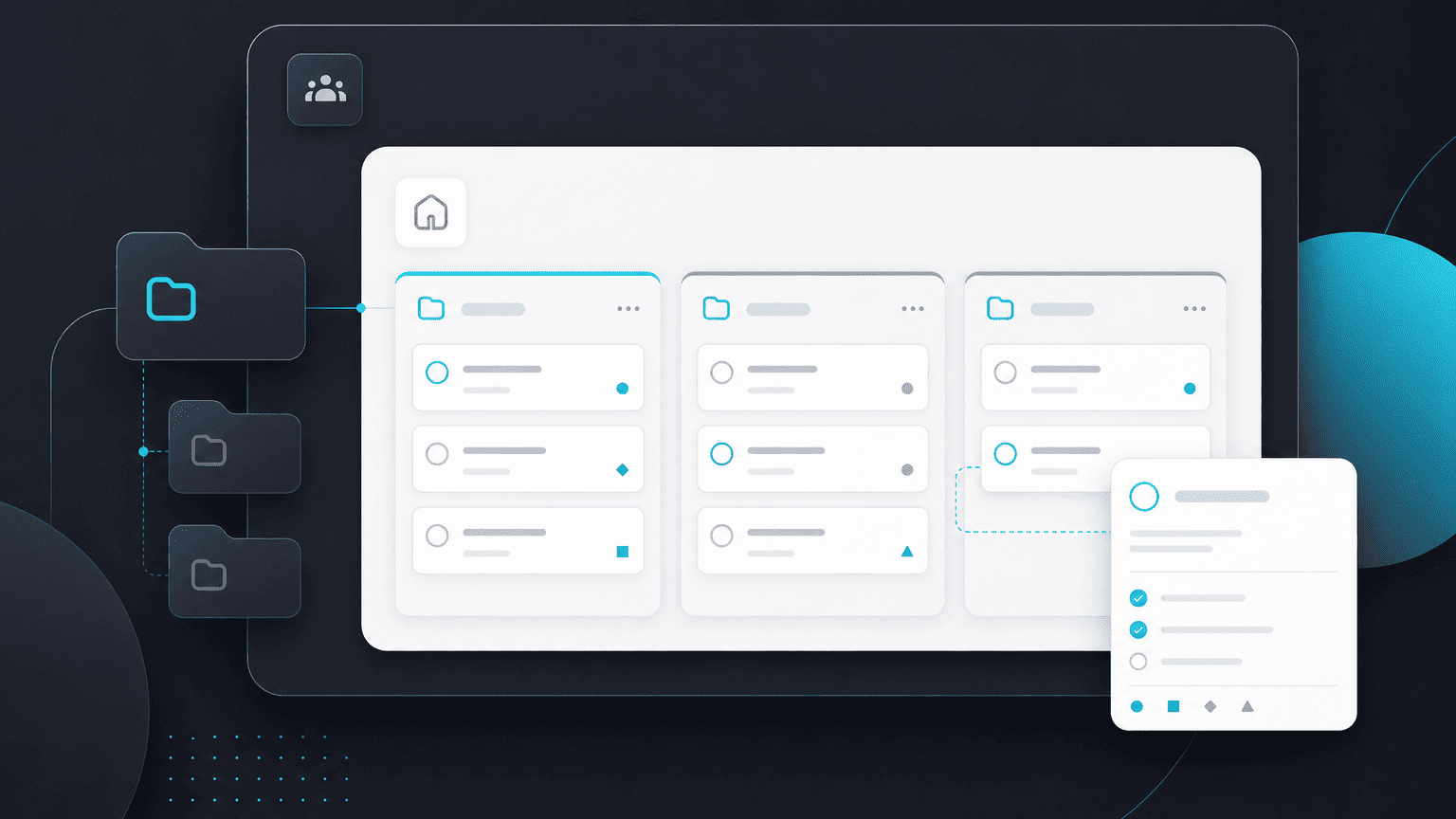
Workspace basics: spaces, projects, and tasks
Understand how PYNGYN organizes work so your team can find anything fast.
6 min readHow to describe a goal so PYNGYN plans it well
Write goals the AI understands, and get a sharper plan on the first try.
5 min read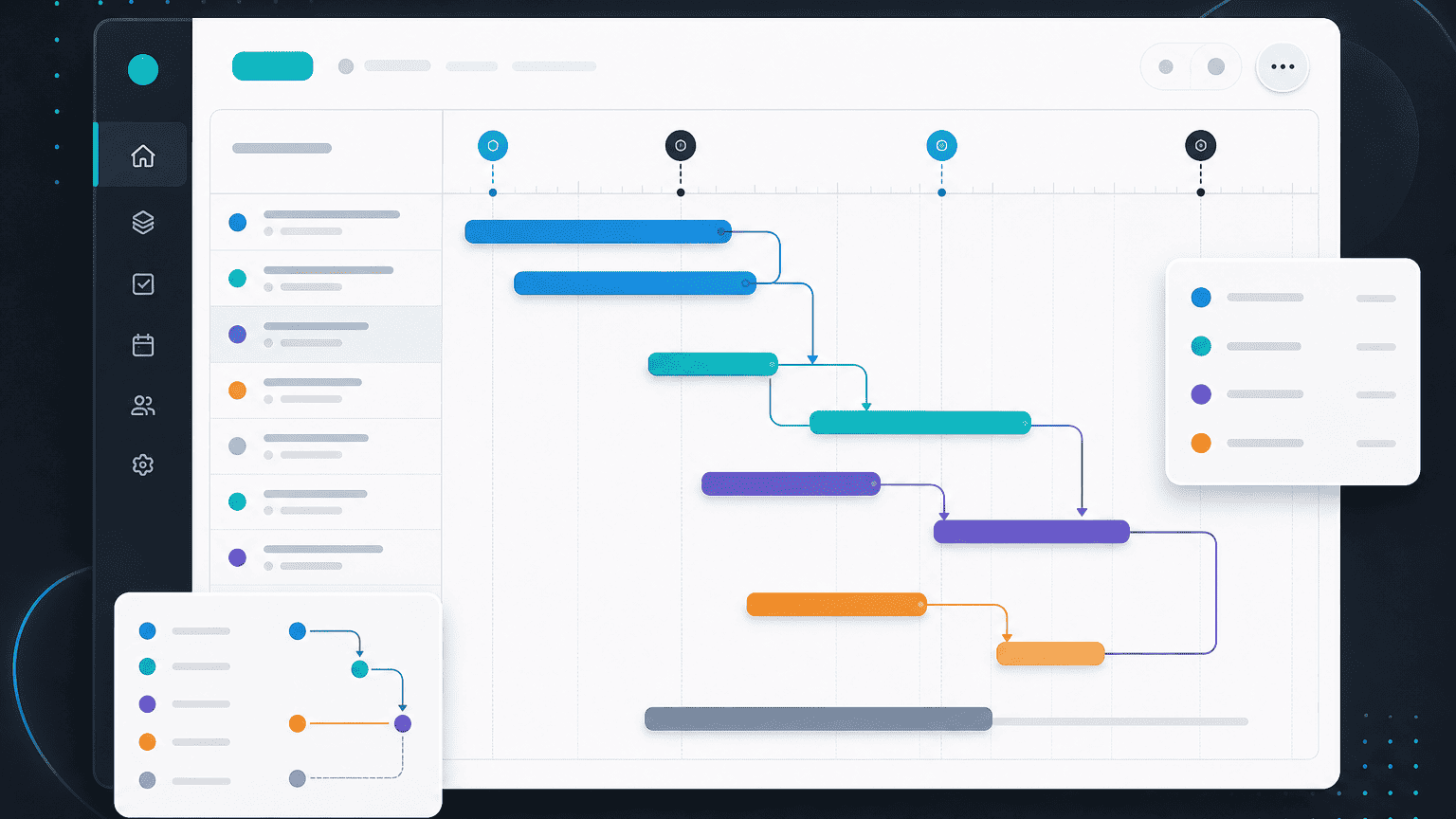
Working with timelines and dependencies
Set up dependencies so the schedule reflects how the work actually flows.
7 min read
Editing and refining an AI-generated plan
The AI drafts, you decide. Reshape any plan to fit how your team works.
4 min readHow AI risk detection works
PYNGYN reads velocity and dependencies to flag what threatens your date, early.
6 min read
Keeping status current automatically
Let PYNGYN derive status from the work itself, so the board is never stale.
5 min read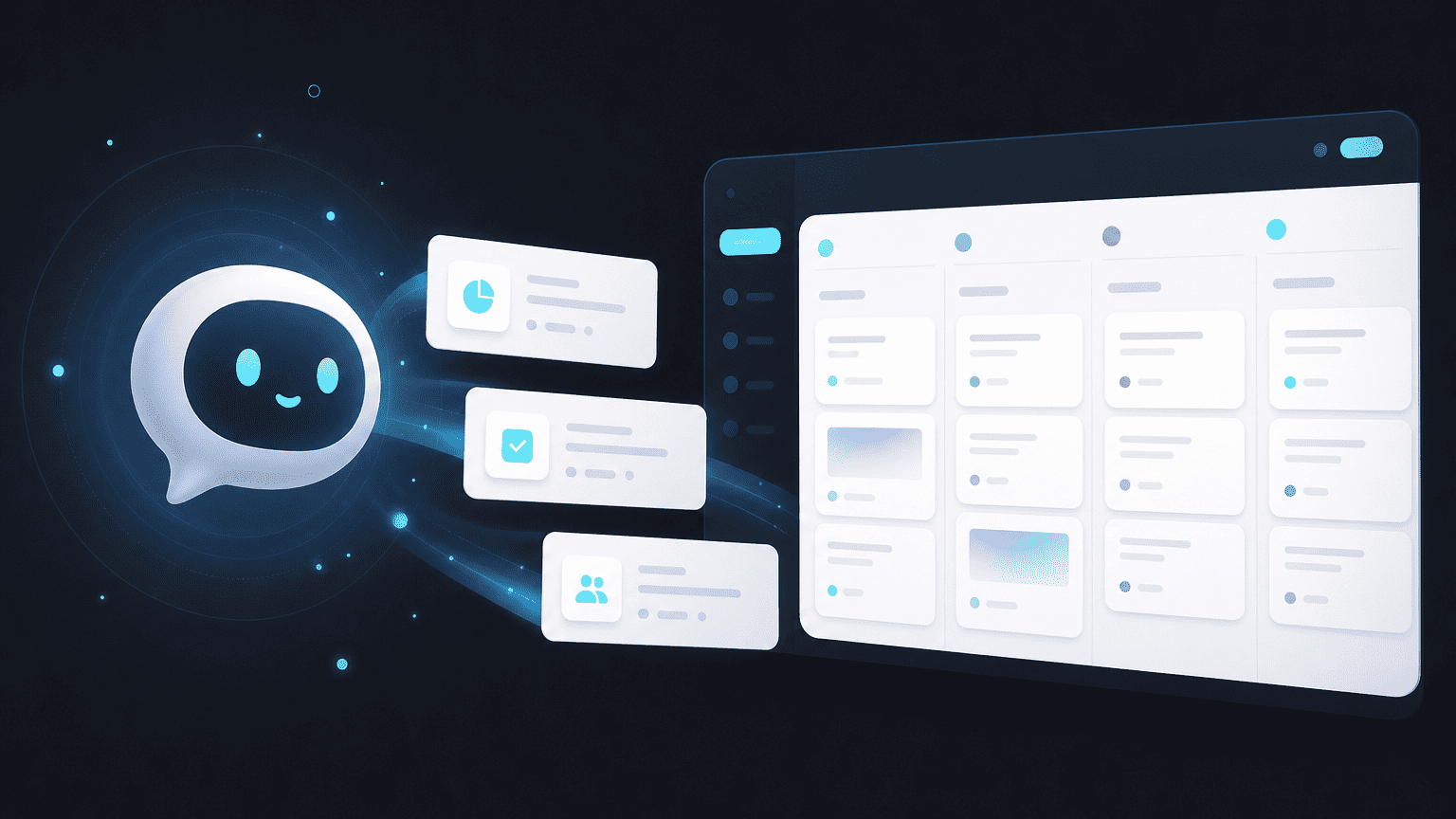
Asking Pyng, your AI assistant
Get quick answers about your plan and PYNGYN without leaving your workspace.
3 min read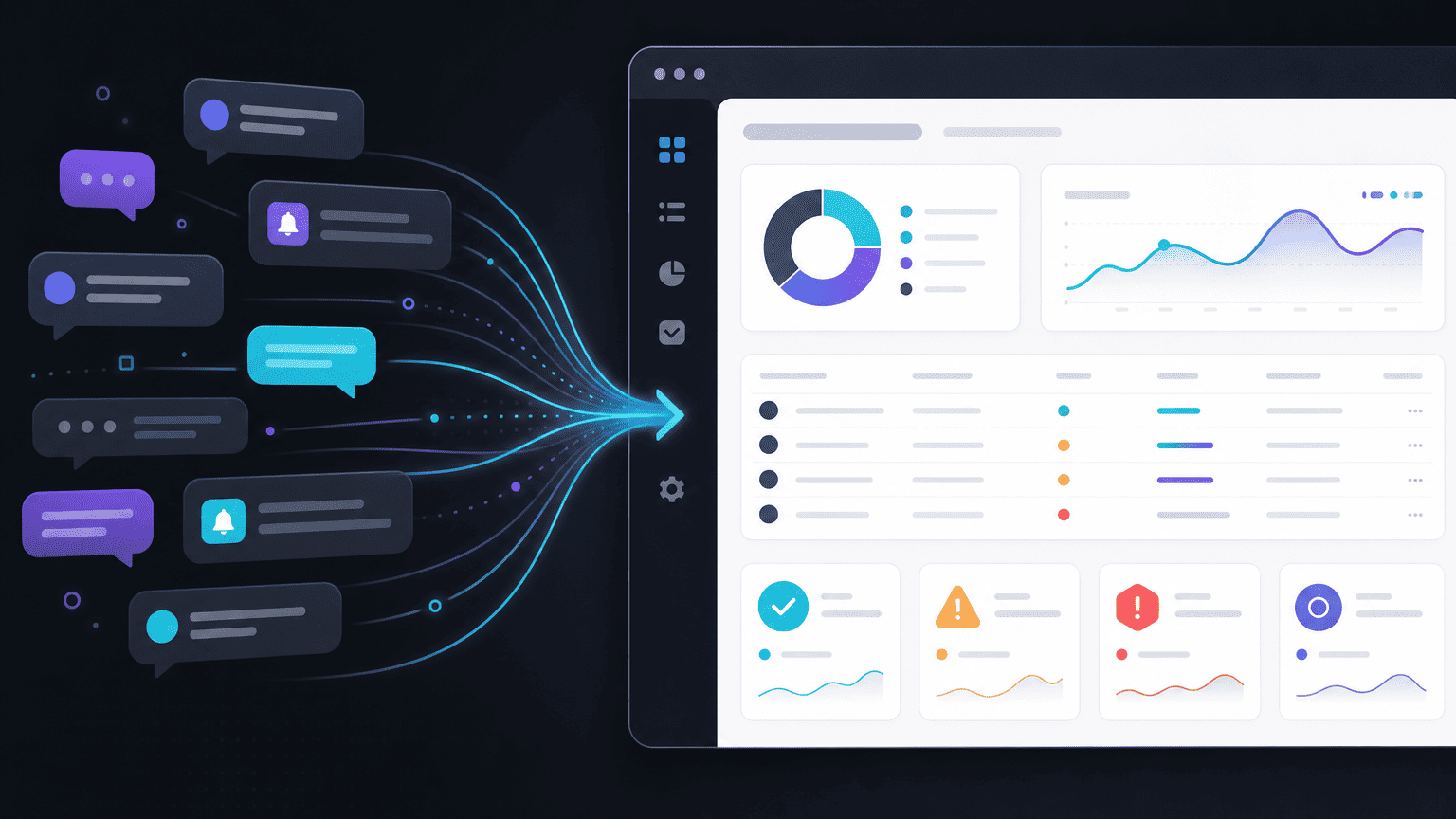
Connect Slack to PYNGYN
Push status updates and risk flags into the channels your team already watches.
4 min read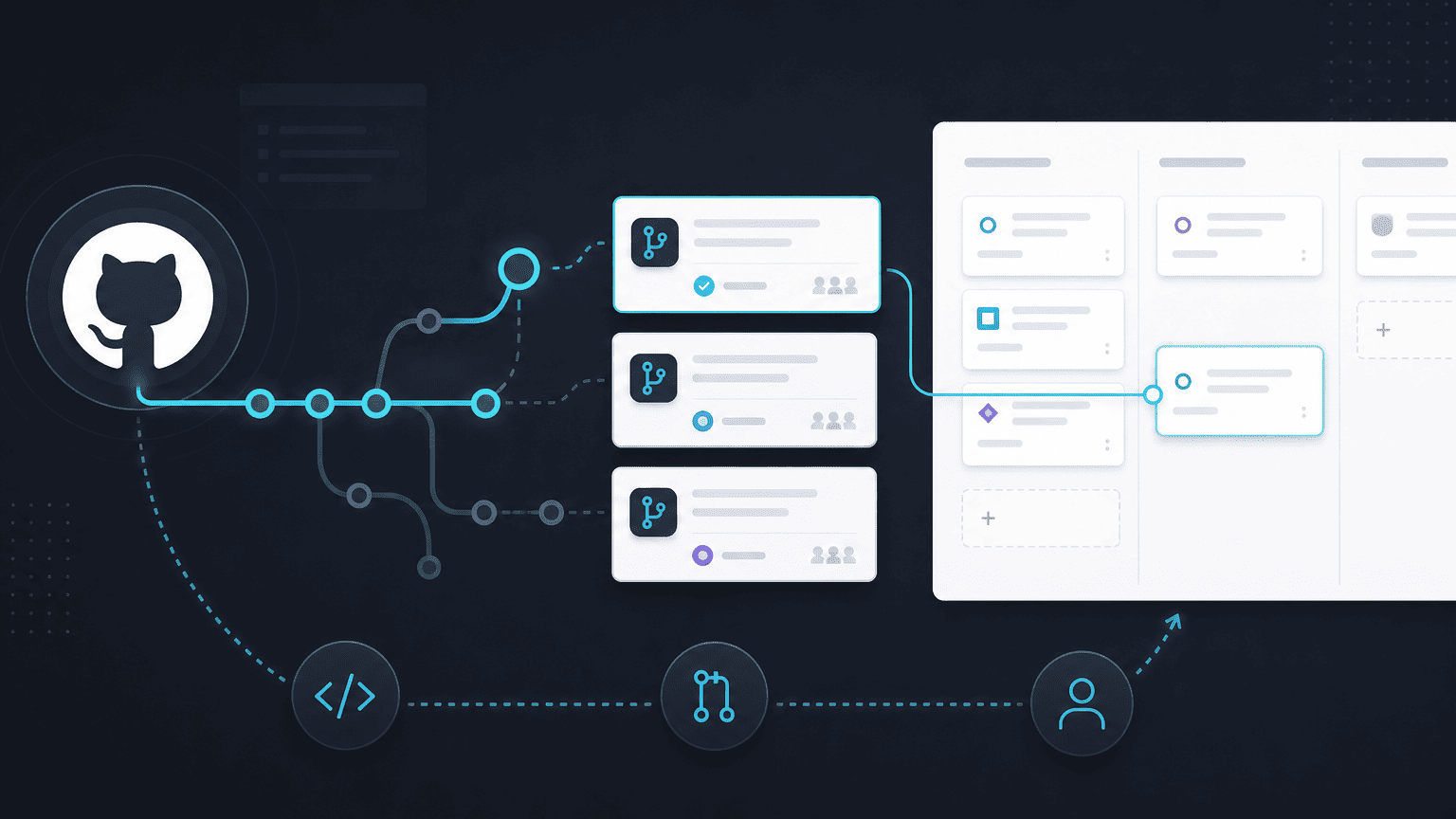
Connect GitHub and link work to PRs
Tie tasks to pull requests so progress reflects what's actually shipping.
5 min read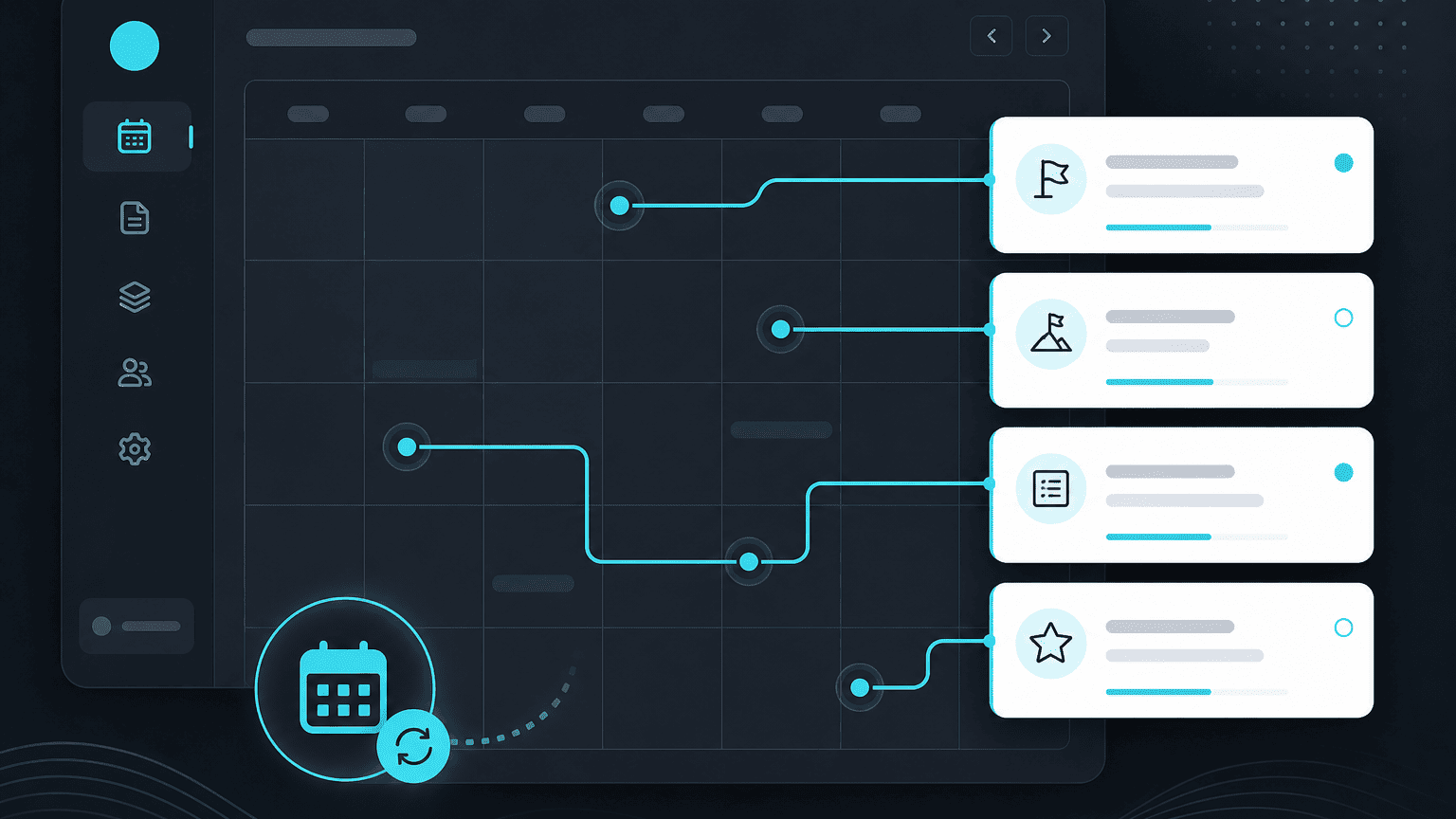
Sync milestones to Google Calendar
Keep deadlines where your team plans their day.
3 min read
Comments, mentions, and notifications
Keep conversation next to the work and loop in the right people.
4 min read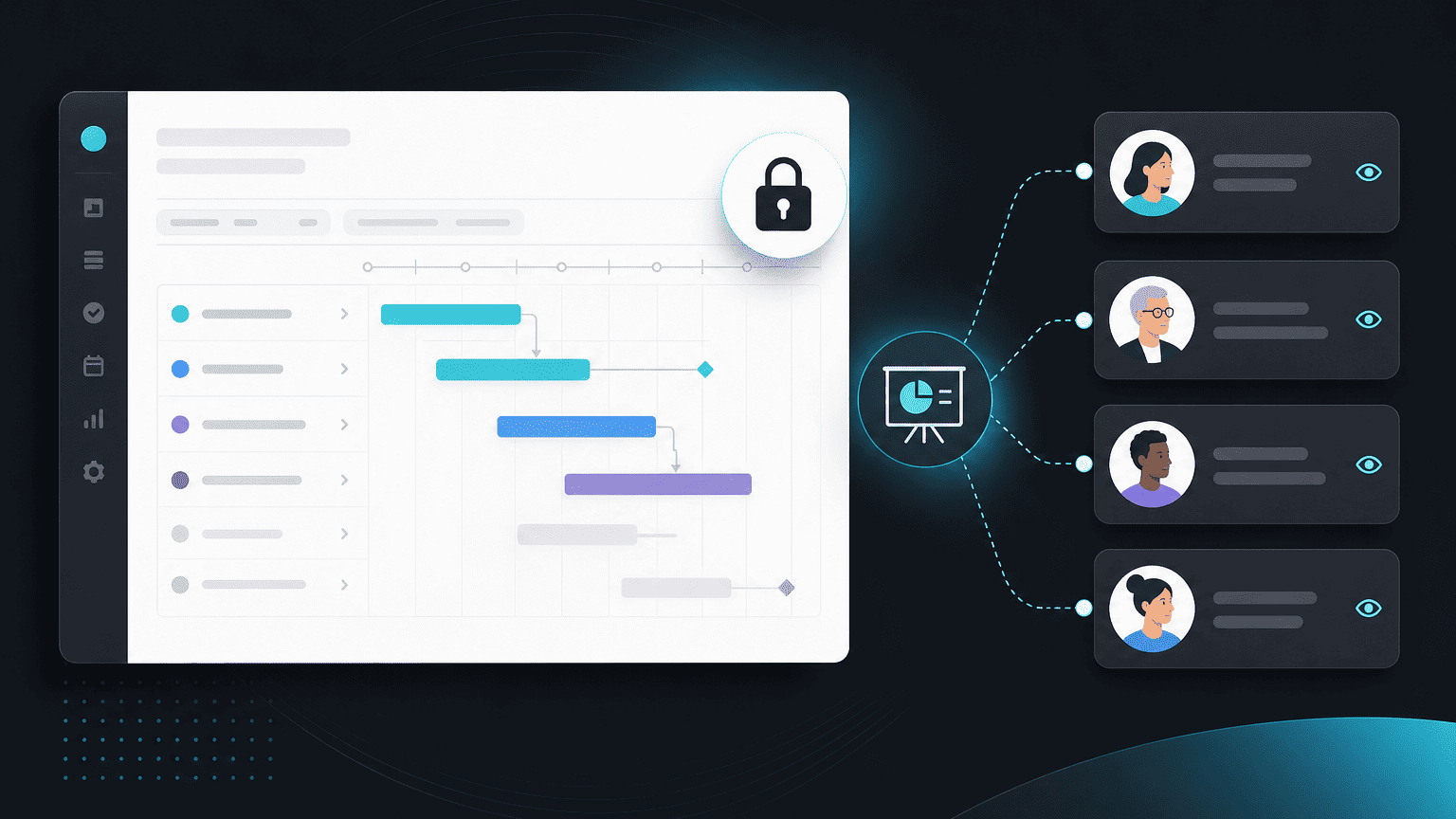
Sharing plans with clients and stakeholders
Give the right people a clean, read-only view of progress.
5 min read
Set up SSO and SAML
Configure single sign-on so your team logs in securely with your identity provider.
7 min read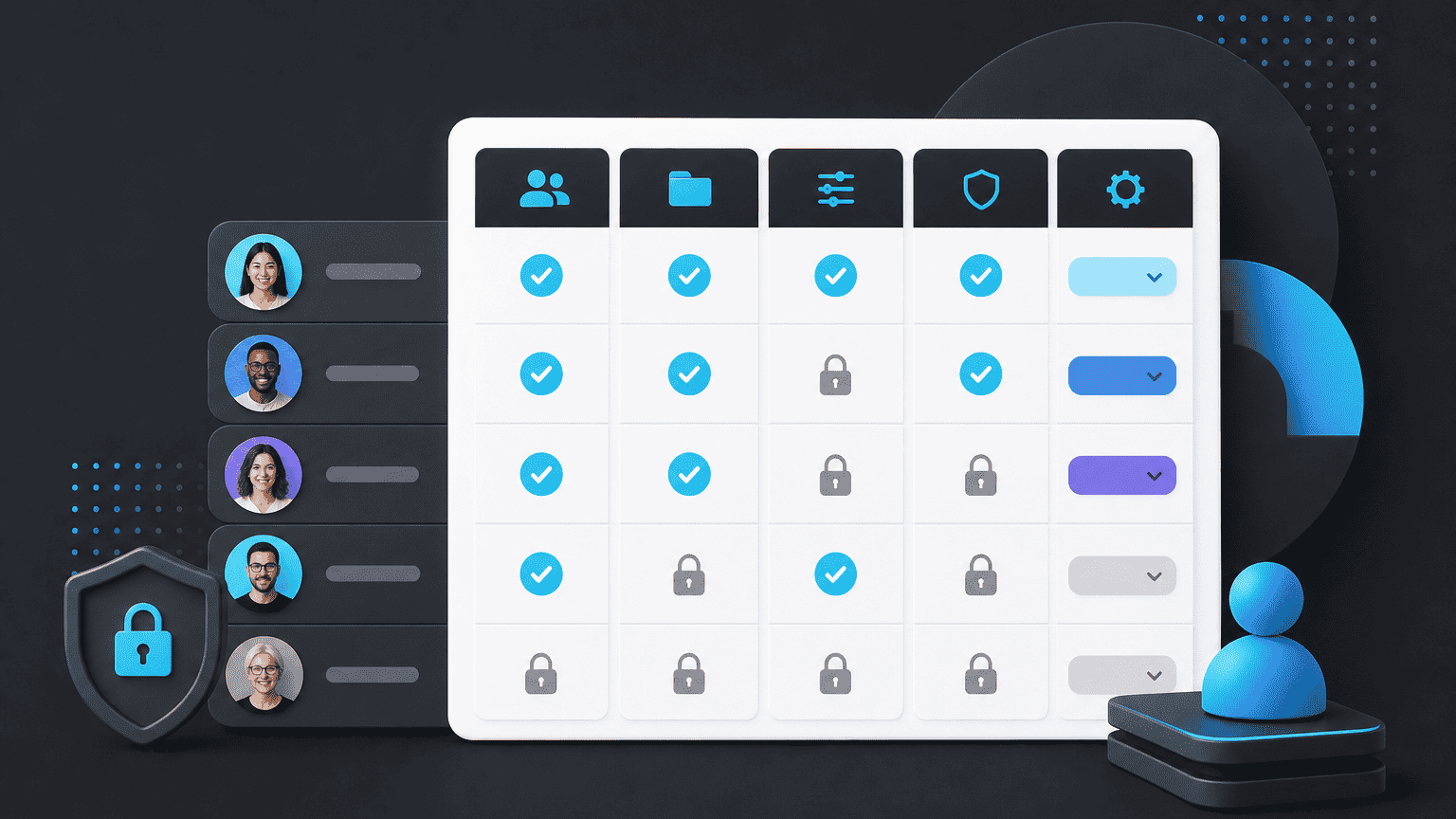
Roles and permissions explained
Control who can view, edit, and manage across your workspace.
6 min read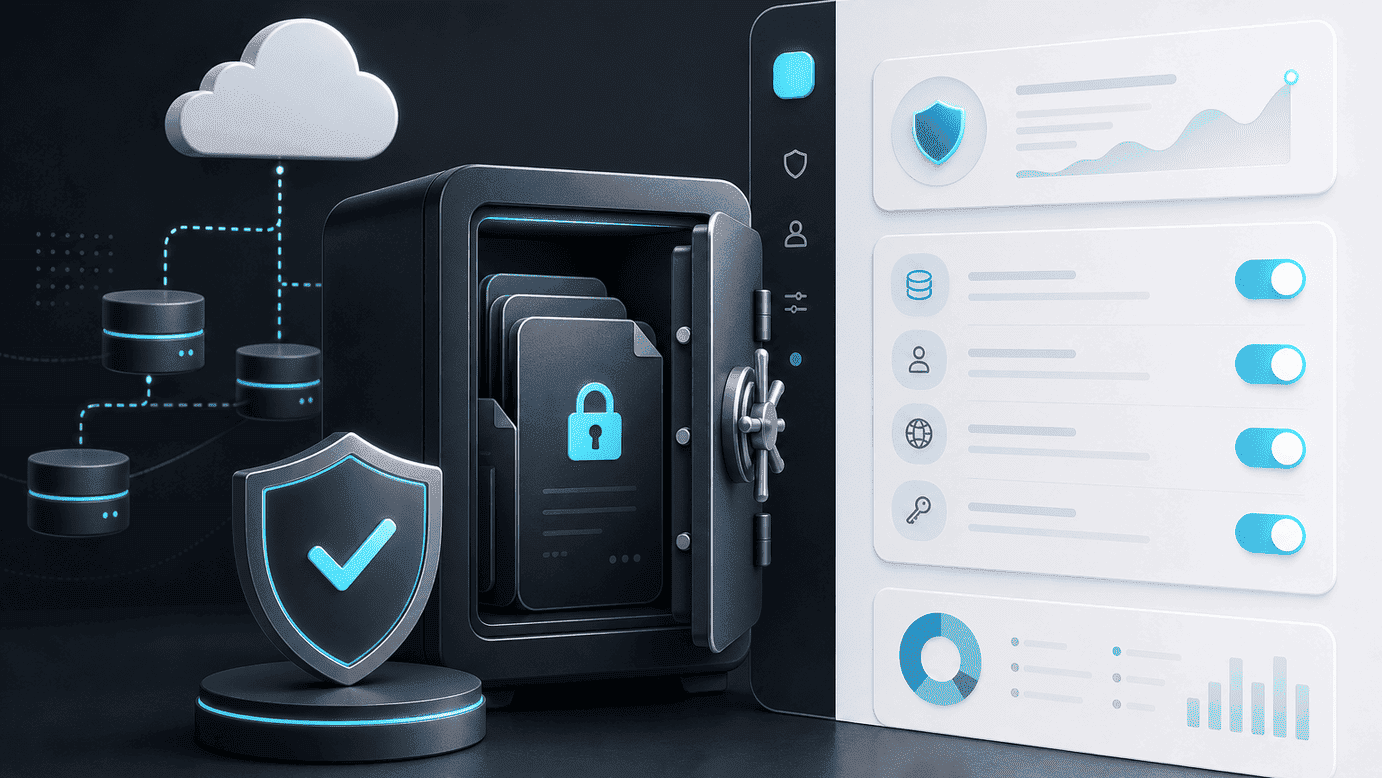
How PYNGYN handles your data
Where your data lives, how it's protected, and the controls you have.
5 min read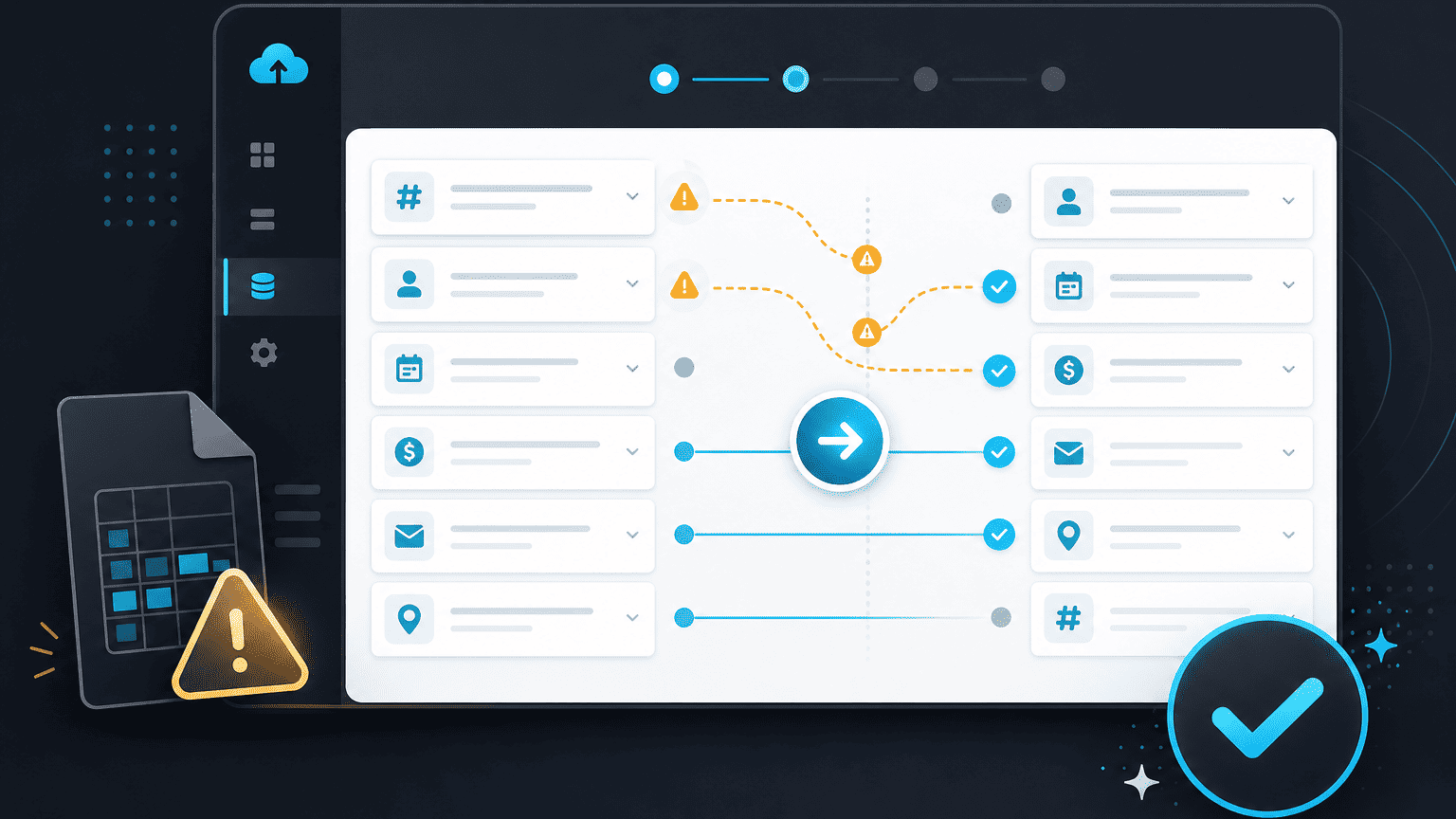
Fixing common import issues
What to check when an import doesn't map the way you expected.
4 min read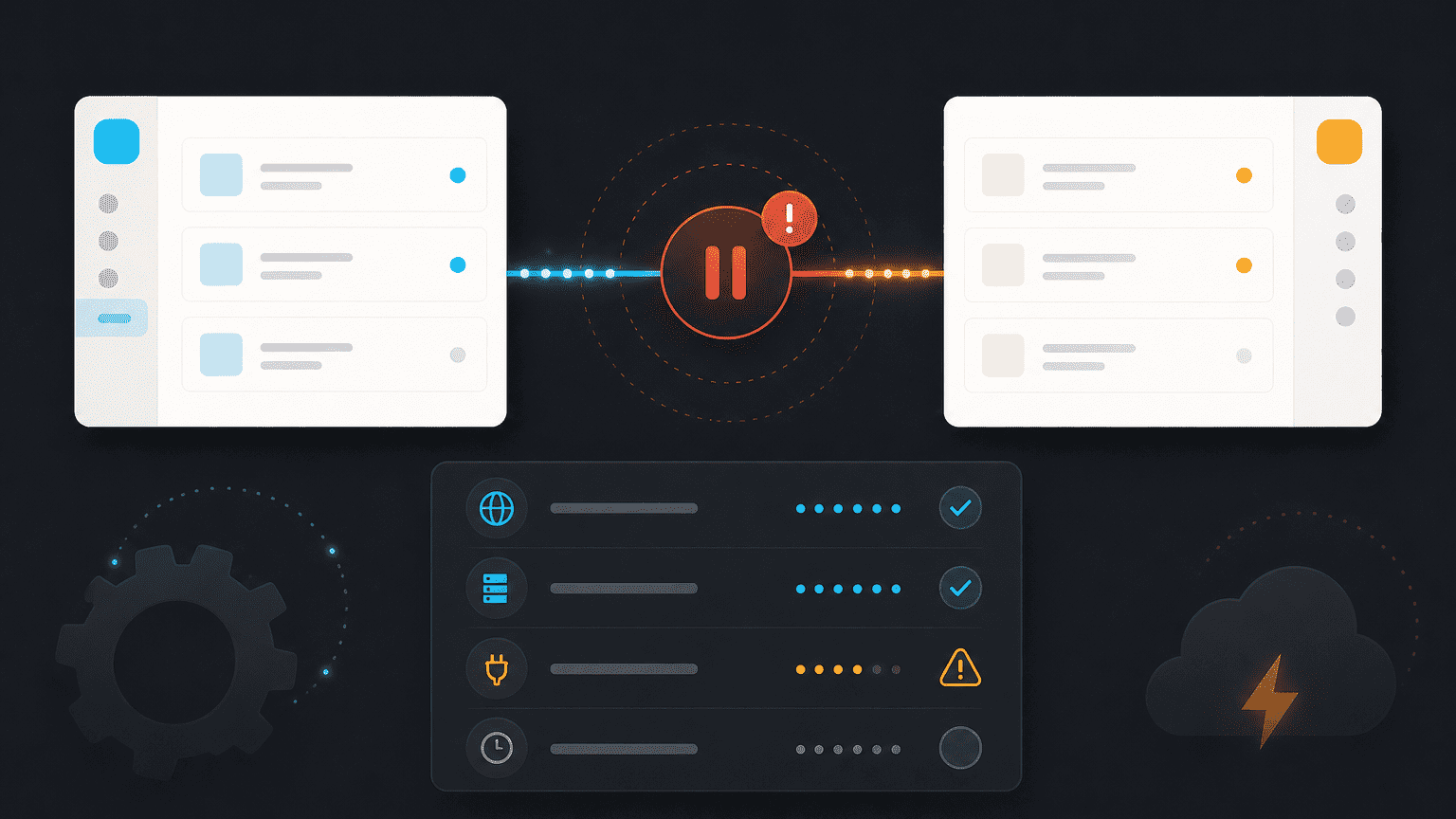
An integration isn't syncing, what to do
Step-by-step checks to get a connection working again.
5 min read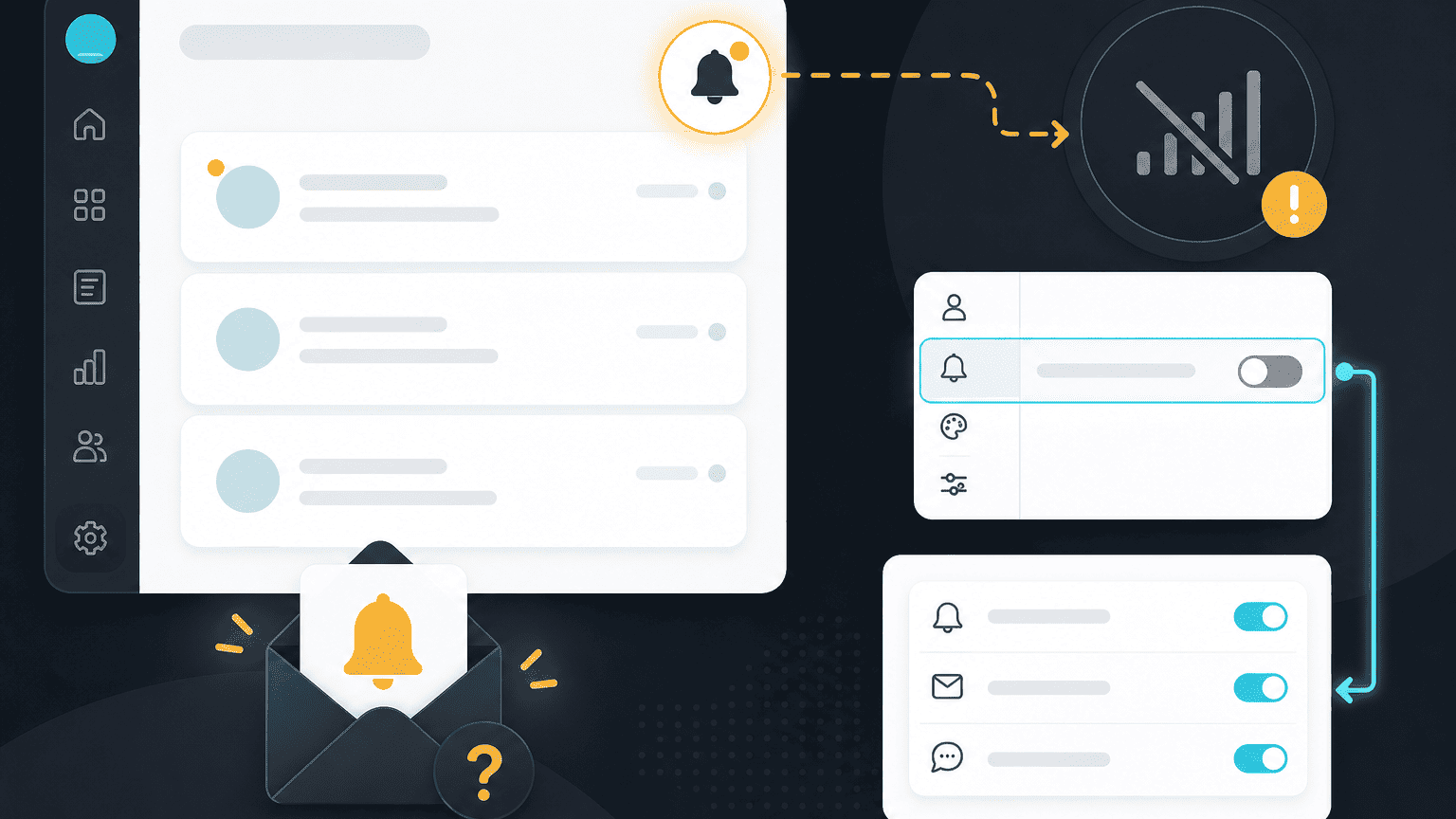
Notifications aren't arriving
Common reasons alerts go quiet, and how to turn them back on.
3 min readStop managing the tool. Start shipping the work.
See PYNGYN run a real project in 30 minutes, and let AI handle the project management busywork.
30-minute walkthrough · Tailored to your team · No commitment