
May 15Getting started5 min read
Import projects from another tool
One-click import from common trackers, with field mapping handled for you.
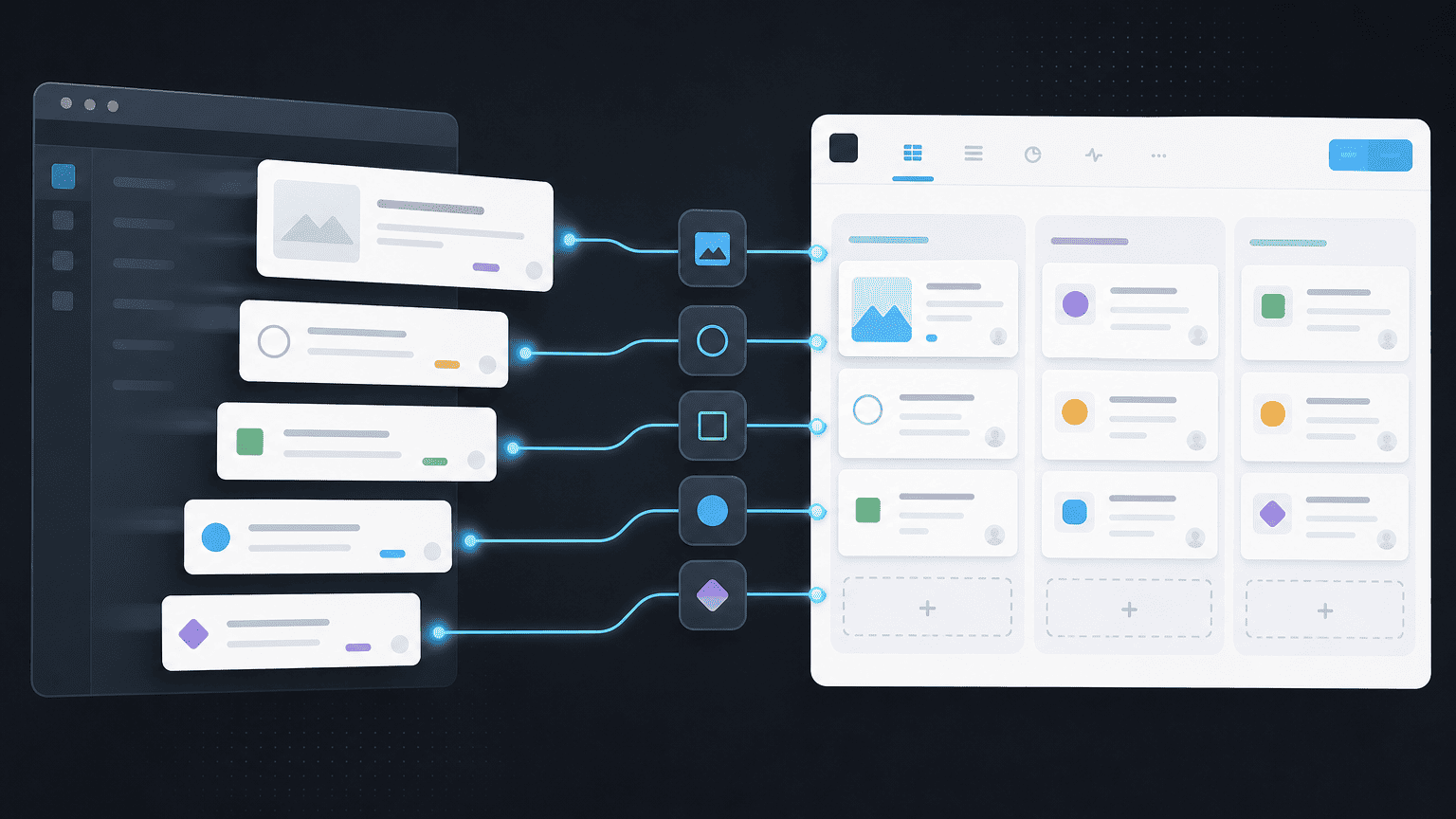
One-click import from common trackers, with field mapping handled for you.
Overview
This guide covers import projects from another tool. It's part of the Getting started section of the PYNGYN knowledge base.
Replace this placeholder text with the real walkthrough. You can edit the article content, add steps, and set a featured image in components/kb-data.ts.
Steps
A typical flow looks like this:
- Open the relevant area in your PYNGYN workspace.
- Follow the on-screen prompts to complete the task.
- Confirm the result and adjust settings as needed.
Need more help?
If you're stuck, reach out to our support team and we'll help you get set up.